01
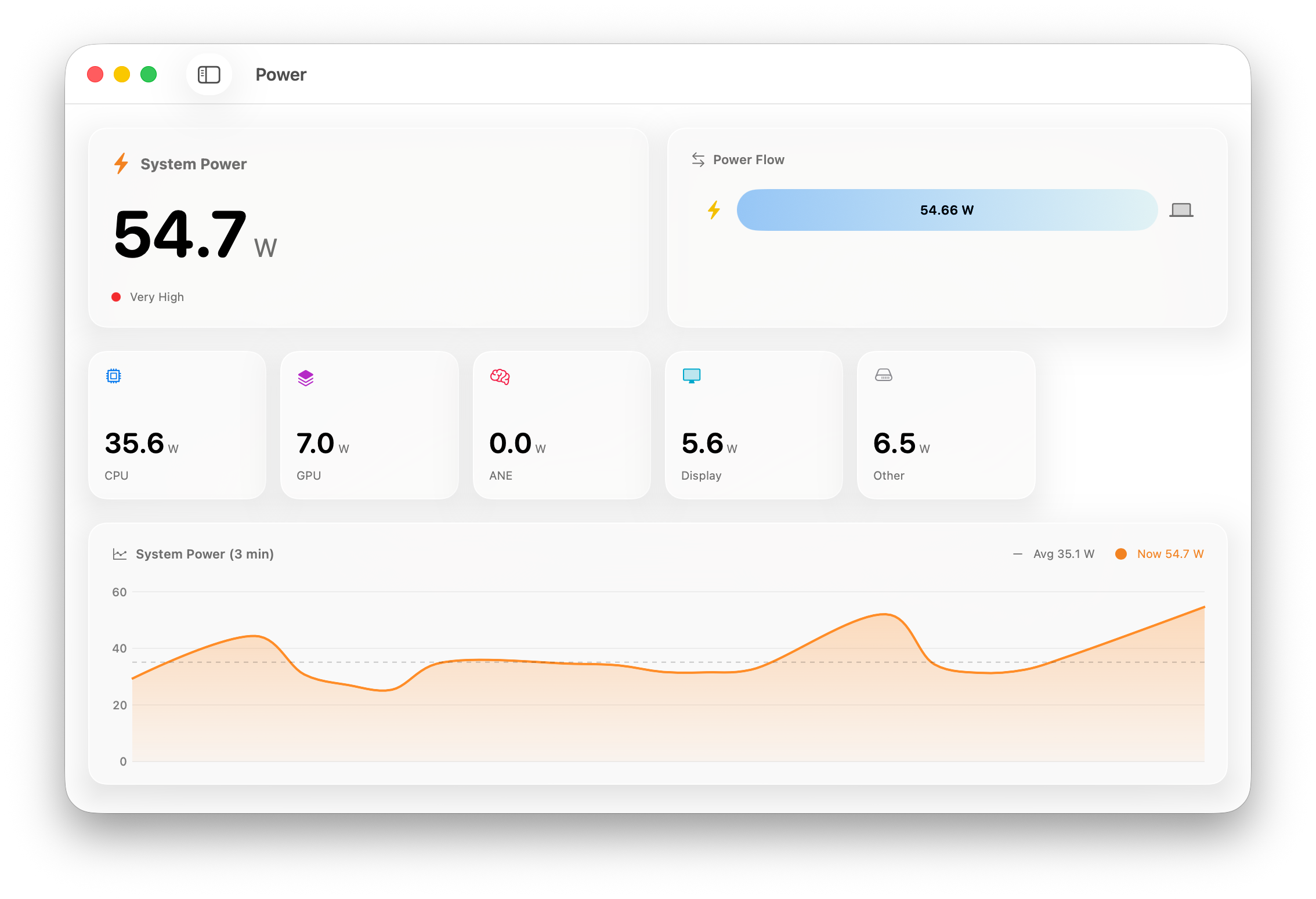
Live system power
Follow total draw and see how much power the CPU, GPU, display, neural engine, and other hardware use.
Power and battery monitoring for Apple devices
PowerFlow Studio measures your Mac’s power use as it happens and surfaces the battery data hidden across your iPhone and iPad.
Requires macOS 14 or later
What it measures
01
Follow total draw and see how much power the CPU, GPU, display, neural engine, and other hardware use.
02
Check cycle count, design capacity, current capacity, temperature, voltage, and charge state in one place.
03
Read power curves over time to connect changes in workload, charging, and battery drain.
iPhone and iPad
Connect a device to your Mac to read its raw battery statistics. PowerFlow keeps those readings together, so capacity and charging behavior are easier to compare over time.
PowerFlow Studio for Mac
macOS 14 or later